
WhatsApp quick replies for order confirmation
Save recurring messages and personalise them for each customer.
Save recurring messages and personalise them for each customer.
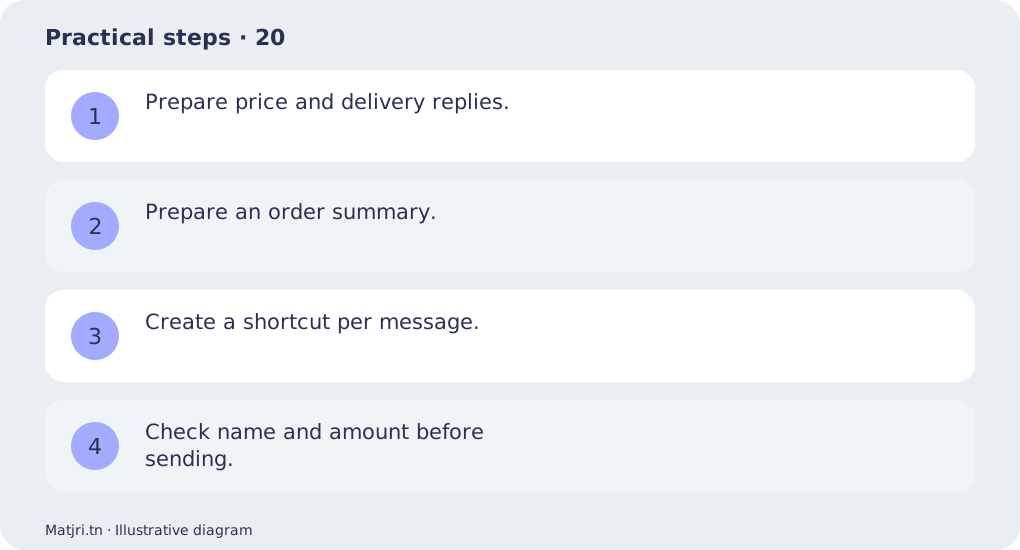
Practical steps
- Prepare price and delivery replies.
- Prepare an order summary.
- Create a shortcut per message.
- Check name and amount before sending.
Worked example
A confirmation includes reference, product, quantity, total and address, then asks for customer confirmation.
Mistake to avoid
Never reuse a message without checking its details.
Working checklist
Assign a next action to each conversation: answer, confirmation or recorded order. Check name, product, amount and address before sending prepared messages. Use the order reference to connect the conversation to store records; chat should not be the only evidence of payment or delivery. Review open follow-ups each morning and evening to prevent forgotten customers and repeated calls.
Common question
Is a quick reply automatic?
It is a shortcut the agent should review before sending.
Put it into practice
Create your store on Matjri, prepare the information needed for this guide and test the result as a customer on your phone before sharing the link. Edit photos, descriptions and options and manage orders from your store dashboard.
Sources and further reading
Editorial review: 11 October 2026. Calculations are illustrative; tools and fees may vary by account and supplier.