
Connecting TikTok Pixel and testing store events
Define the actions to measure before adding more tracking tools.

Define the actions to measure before adding more tracking tools.
Practical steps
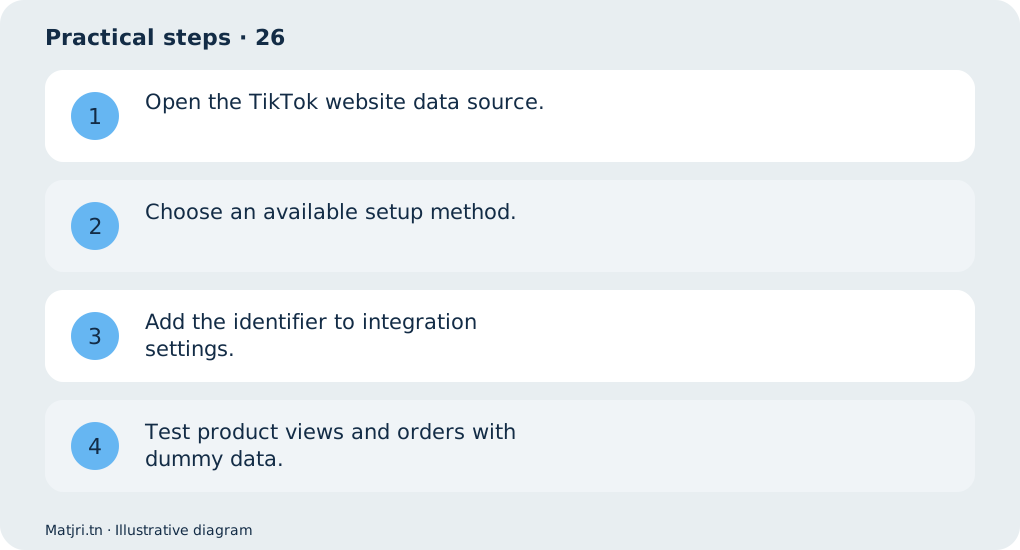
- Open the TikTok website data source.
- Choose an available setup method.
- Add the identifier to integration settings.
- Test product views and orders with dummy data.
Worked example
Check amount, currency and product ID; a page view is not an order.
Mistake to avoid
Advertising access and setup methods vary by account and region.
Working checklist
Keep an event table linking names to actions: product view, cart addition or order submission. Record source, value and currency, test once and repeat after changes. Exclude tests from sales reviews and reconcile reports with order records. Respect privacy choices; tracking never replaces actual delivery and cash-collection follow-up.
Common question
Can I copy Meta settings?
No: platforms have separate identifiers and events.
Put it into practice
Create your store on Matjri, prepare the information needed for this guide and test the result as a customer on your phone before sharing the link. Edit photos, descriptions and options and manage orders from your store dashboard.
Sources and further reading
Editorial review: 11 October 2026. Calculations are illustrative; tools and fees may vary by account and supplier.