
Domain verification: distinguishing Google from Meta
Each service uses its own verification token; connecting a domain does not automatically verify ownership.
Each service uses its own verification token; connecting a domain does not automatically verify ownership.
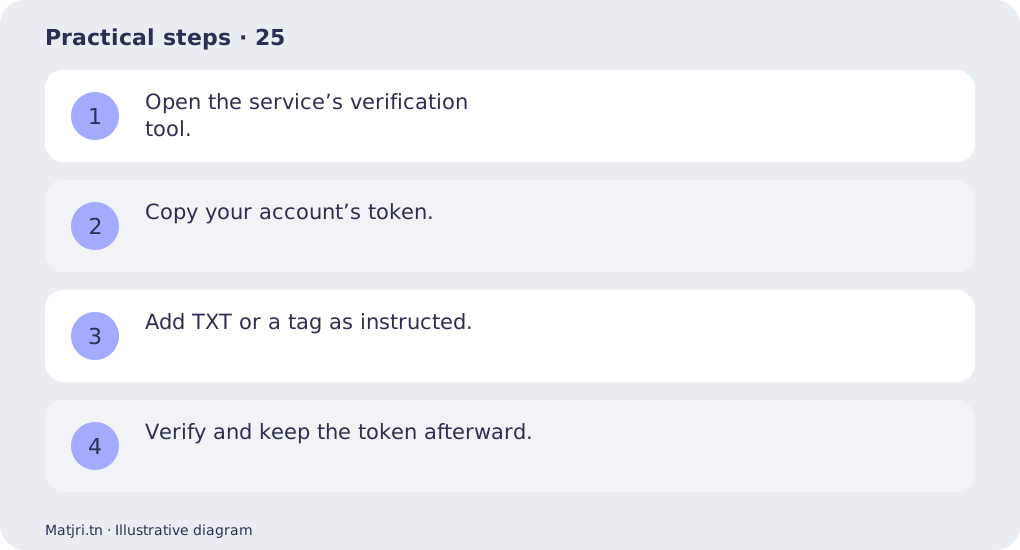
Practical steps
- Open the service’s verification tool.
- Copy your account’s token.
- Add TXT or a tag as instructed.
- Verify and keep the token afterward.
Worked example
google-site-verification belongs to Google; a Meta token belongs in the corresponding Meta verification setting.
Mistake to avoid
Do not replace email DNS records.
Working checklist
Keep an event table linking names to actions: product view, cart addition or order submission. Record source, value and currency, test once and repeat after changes. Exclude tests from sales reviews and reconcile reports with order records. Respect privacy choices; tracking never replaces actual delivery and cash-collection follow-up.
Common question
Why might verification fail?
Check domain, token, DNS propagation and tag placement.
Put it into practice
Create your store on Matjri, prepare the information needed for this guide and test the result as a customer on your phone before sharing the link. Edit photos, descriptions and options and manage orders from your store dashboard.
Sources and further reading
Editorial review: 11 October 2026. Calculations are illustrative; tools and fees may vary by account and supplier.