
Creating a Facebook Page for your store
Prepare your store name, logo and a clear product introduction.

Prepare your store name, logo and a clear product introduction.
Practical steps
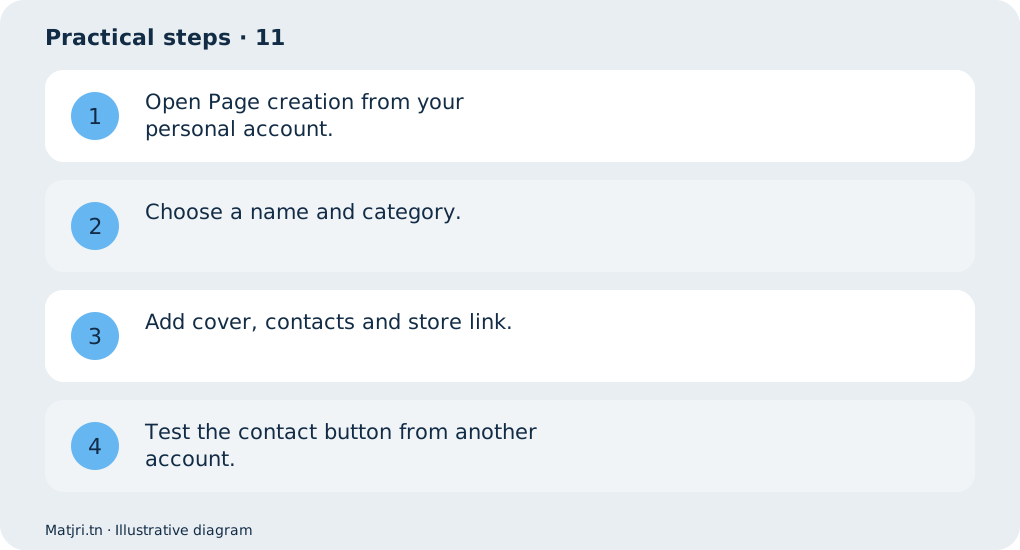
- Open Page creation from your personal account.
- Choose a name and category.
- Add cover, contacts and store link.
- Test the contact button from another account.
Worked example
Describe your products and service areas instead of using generic claims such as best store.
Mistake to avoid
Button names can vary by account language.
Working checklist
Link each post to the store page answering the same question. Record its purpose, date and link, then review questions, visits and attributable orders. Replies should clarify price, options and delivery while keeping customer details private. When stock or offers change, update related content so visitors do not rely on an outdated promise.
Common question
Should I share my password with staff?
No: assign appropriate Page access instead.
Put it into practice
Create your store on Matjri, prepare the information needed for this guide and test the result as a customer on your phone before sharing the link. Edit photos, descriptions and options and manage orders from your store dashboard.
Sources and further reading
Editorial review: 11 October 2026. Calculations are illustrative; tools and fees may vary by account and supplier.