
Product photography with your phone
Plan what each image explains before adjusting colours.
Plan what each image explains before adjusting colours.
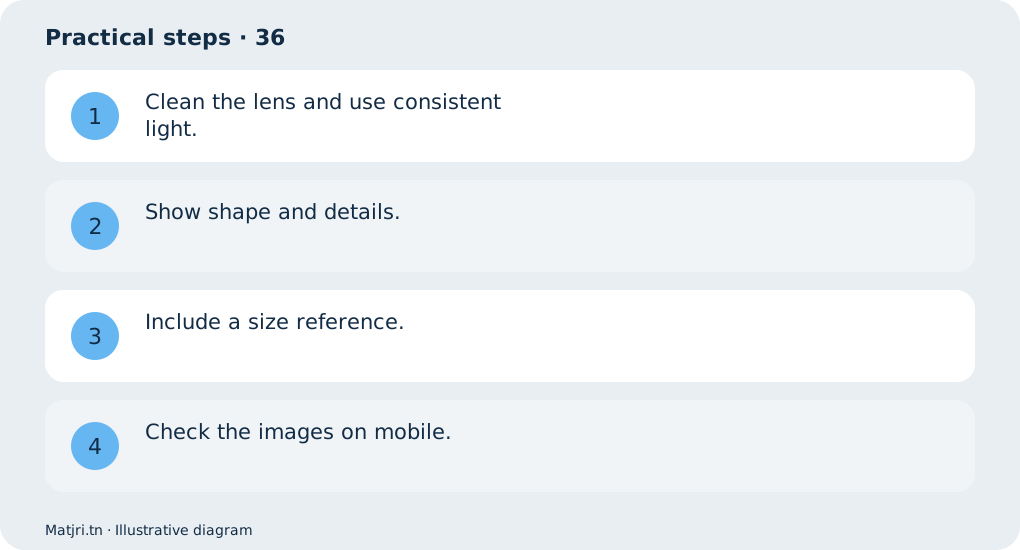
Practical steps
- Clean the lens and use consistent light.
- Show shape and details.
- Include a size reference.
- Check the images on mobile.
Worked example
For a bag: front view, pockets, zip and a carried view showing scale.
Mistake to avoid
Do not alter the real product colour.
Working checklist
Open the page as someone seeing the product for the first time. Can they understand what is included, colour, size and total payment? Place missing information near the decision and organise details into short sections. Check text and images on mobile after saving: higher resolution cannot make tiny text inside an image readable.
Common question
Is a white background required?
Choose a clear background; usage shots add useful context.
Put it into practice
Create your store on Matjri, prepare the information needed for this guide and test the result as a customer on your phone before sharing the link. Edit photos, descriptions and options and manage orders from your store dashboard.
Sources and further reading
Editorial review: 11 October 2026. Calculations are illustrative; tools and fees may vary by account and supplier.